Quick tip: inserting special characters in Google Docs
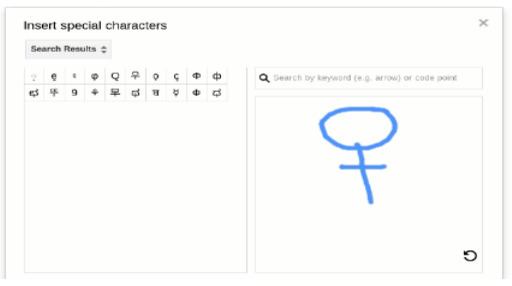 Sometimes old habits die hard. Usually whenever I need a special character I google it and copy and paste it into a document. I just found out there is an easier way to do that: you can search for special characters right inside the “Insert” menu. Then you can search for a symbol like “female” or for character sets like “cyrillic”, “notes”, “logic”, etc. The same thing works if you need images like &ldquo…
Continuar leyendo: Quick tip: inserting special characters in Google Docs
Fuente: Tic&Educación
