Artículos con la etiqueta ‘google presentaciones’

Google Drive: cómo incrustar tu presentación multimedia en tu web – YouTube

En este nuevo vídeotutorial vas a aprender a incrustar tus presentaciones multimedia, alojadas en Google Drive, en tu página web. Para que tus visitantes no tengan que abrir mil ventanas en su navegador y tengan una experiencia más placentera en tu web.See it on Scoop.it, via TIC & Educación

Continuar leyendo: Google Drive: cómo incrustar tu presentación multimedia en tu web – YouTube

Fuente: Tic&Educación

Presentaciones 2.0. en orientación: Google Drive Slides, Power Point Online, PowToon, FlowVella, Bunkr, Projeqt, …

En entradas anteriores de OrienTapas hablábamos de herramientas como Prezi, HaikuDeck y otras para compartir documentos realizados principalmente off-line (Slideshare, Scribd, Dropbox, …). Todas ellas son alternativas al (muchas veces cansino y lleno de texto) Power Point, también conocido como “pobrepón”, tal y como lo cita el orientador Víctor Cuevas.See it on Scoop.it, via TIC & Educación

Continuar leyendo: Presentaciones 2.0. en orientación: Google Drive Slides, Power Point Online, PowToon, FlowVella, Bunkr, Projeqt, …

Fuente: Tic&Educación
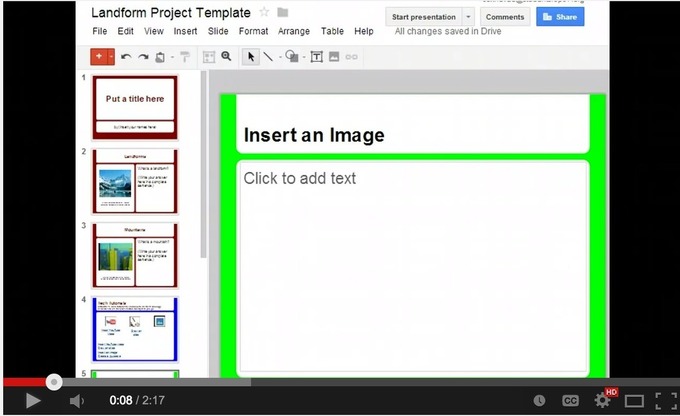
3 Things Every Student Should Be Able to Do On Google Presentation

Google Presentation is one of the powerful presentation tools that students can use to easily create and share slideshows. Its simplicity and its practical performance features makes it an ideal tool for using in class. Besides the different guides and tutorials I published on Google Presentation, today I decided to sketch out 3 main things every student should be able to do.See it on Scoop.it, via TIC & Educación

Continuar leyendo: 3 Things Every Student Should Be Able to Do On Google Presentation

Fuente: Tic&Educación

6 video tutoriales de cómo utilizar Google Presentation en clase

Además las presentaciones creadas en Google Presentations se guardan automáticamente en su disco y se convierten en accesibles en cualquier lugar que vayas con una conexión a Internet. Por si fuera poco Google ha añadido recientemente unas cuantas actualizaciones que mejoran el rendimiento global de las presentaciones, entre estas actualizaciones tenemos: la capacidad de recortar, editar y añadir bordes a las imágenes.See it on Scoop.it, via TIC

Continuar leyendo: 6 video tutoriales de cómo utilizar Google Presentation en clase

Fuente: Tic&Educación
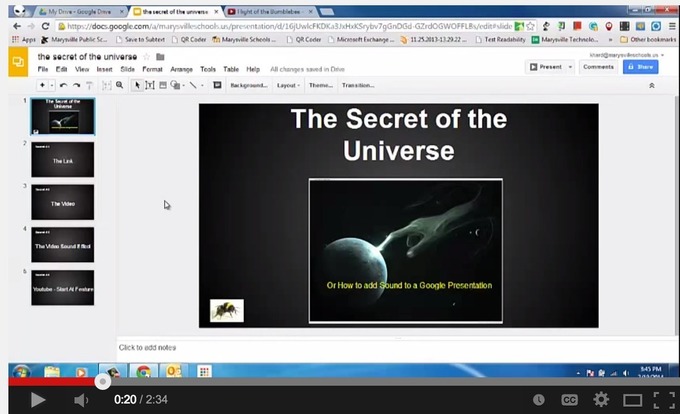
6 Video Tutorials to Help Teachers Use Google Presentation in Class

Planning to use Google Presentations with your students this year? The video tutorials below are definitely worth checking. There are a plethora of reasons why you would need to start using this presentation software. First, Google Presentation is web based and therefore does not require any software installation.See it on Scoop.it, via TIC & Educación

Continuar leyendo: 6 Video Tutorials to Help Teachers Use Google Presentation in Class

Fuente: Tic&Educación

2º Parte Google Drive Presentaciones

En esta segunda clase de Google Drive Presentaciones, vamos a empezar con el diseño de nuestra presentación se ejemplo. 00:57 Asignar nombre a la presentación.01:33 Seleccionar diseño “Plantillas de diseño”.02:10 Agregar texto a una diapositiva.03:06 Estados del mouse, cursor cruz y puntero.03:23 Mover el cuadro de texto (posición) 03:40 Formato de Texto (color, estilo y tamaño). 05:40 Insertar cuadro de texto.08:22 Insertar imagen.09:17 Cambiar de tamaño una imagen (escalar).10:07 Agregar nueva …

Continuar leyendo: 2º Parte Google Drive Presentaciones

Fuente: Tic&Educación