6 Google Drive Settings Tips Every Teacher Should Know about
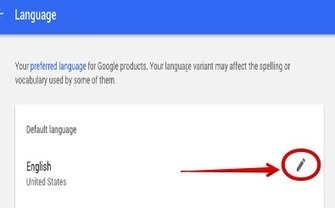
Continuar leyendo: 6 Google Drive Settings Tips Every Teacher Should Know about
Fuente: Tic&Educación

Continuar leyendo: 6 Google Drive Settings Tips Every Teacher Should Know about
Fuente: Tic&Educación
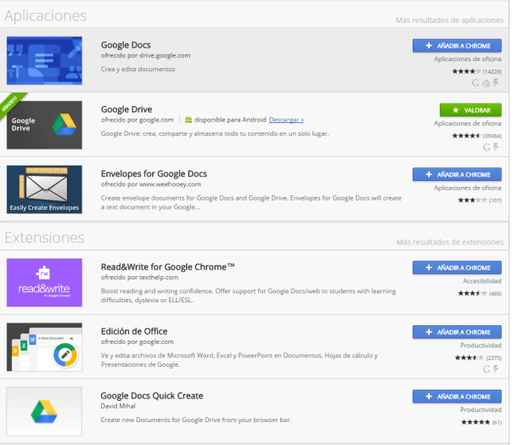
Continuar leyendo: 10 funciones secretas de Google Drive
Fuente: Tic&Educación

Continuar leyendo: Great Ways to Use Google Drive to Power Your Classroom
Fuente: Tic&Educación
Continuar leyendo: How to Share Videos Through Google Drive
Fuente: Tic&Educación

Continuar leyendo: ¿Cómo compartir vídeos a través de Google Drive?
Fuente: Tic&Educación
 Crear, editar o enviar documentos son tareas que pueden practicarse en cualquier parte; y hoy en día mucho más gracias a smartphones y tabletas. ¿Cuáles son las mejores aplicaciones para tomar notas o tener acceso a documentos independientemente de donde te encuentres? Power PDF Para crear, modificar y ver documentos PDF en tuiPad y iPhone. Lo hace desde múltiples tipos de archivo incluyendo DOC, XLS, PPT, TXT, RTF, XML, HTML y todo tipo de archivos de texto. …
Continuar leyendo: 15 aplicaciones para crear y modificar documentos
Fuente: Educaciontrespuntocero.com
Continuar leyendo: WhatsApp permitirá copiar todas las fotos, audios y conversaciones en Google Drive
Fuente: Tic&Educación
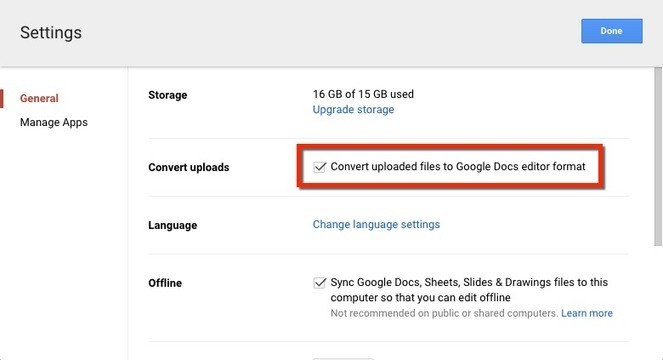
Continuar leyendo: 3 Tricks in Google Drive to Try
Fuente: Tic&Educación
Continuar leyendo: Google Classroom + Google Forms = Magic
Fuente: Tic&Educación

Continuar leyendo: Google Photos Will Soon Let You Create Shared Photo Albums
Fuente: Tic&Educación

Continuar leyendo: How to Use Google Drawings to Create Mind Maps
Fuente: Tic&Educación

Continuar leyendo: Google Drive: Students Turn In a Folder
Fuente: Tic&Educación

Continuar leyendo: Trabajar en la nube con Google Drive
Fuente: Tic&Educación

Continuar leyendo: Usa tu voz para escribir en Google Drive
Fuente: Tic&Educación

Continuar leyendo: Here Is How to Print High Resolution Maps to Use with Students in Class
Fuente: Tic&Educación
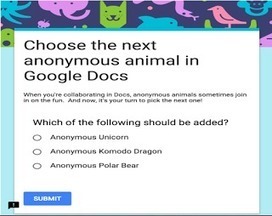
Continuar leyendo: 6 New Google Drive Features Every Teacher Should Know About
Fuente: Tic&Educación
Continuar leyendo: Herramientas para el trabajo colaborativo | Listly List
Fuente: Recull Diari
Continuar leyendo: Compartir conocimientos – Lección 4 MOOC
Fuente: Tic&Educación
Continuar leyendo: Ponle caducidad a la información que compartes en Google Drive
Fuente: Tic&Educación
 See it on Scoop.it, via TIC & Educación