Artículos con la etiqueta ‘tools’

More Tools for Creating Timelines

Last night I posted a video demonstration of how to create a timeline through Read Write Think’s timeline creator. That is an excellent tool, but at the high school level it might be a bit too simple. Here are some other good timeline creation tools.See it on Scoop.it, via TIC & Educación

Continuar leyendo: More Tools for Creating Timelines

Fuente: Tic&Educación

3 Must Use EdTech Tools

I teach general education online biology courses to adult learners. To enhance student understanding of science and to appeal to students with different learning styles, I incorporate as much educational technology as possible in my classes.Gumersindo Fernández’s insight:1. Prezi2. Thinglink3. BundlrSee it on Scoop.it, via TIC & Educación

Continuar leyendo: 3 Must Use EdTech Tools

Fuente: Tic&Educación

4 Important Google Docs’ Features for Student Researchers

Google Drive is absolutely one of the best cloud tools out there. Its potential for education is evidently huge and that is why I have been writing a lot on it. Today I want to share with you (more particularly with student researchers) few of the useful tips on how to make use of some hidden features in Google Doc .Gumersindo Fernández’s insight:1-Research2- Spelling3- Word CountSee it on Scoop.it, via TIC & Educación

Continuar leyendo: 4 Important Google Docs’ Features for Student Researchers

Fuente: Tic&Educación

Using Aurasma to Bring Static Classrooms to Life

Aurasma is one of those special tools that just blows students away, allowing you to link video, audio and 3D imagery to objects in your classroom.See it on Scoop.it, via TIC & Educación

Continuar leyendo: Using Aurasma to Bring Static Classrooms to Life

Fuente: Tic&Educación

Top 10 Tips to Use Mind Mapping Tools in eLearning

In this article, I’ll highlight the top 10 tips on how to make the most out of mind mapping tools. I’ll share how mind maps have the potential to transform any eLearning course or module into an aesthetically pleasing and powerful eLearning experience.See it on Scoop.it, via TIC & Educación

Continuar leyendo: Top 10 Tips to Use Mind Mapping Tools in eLearning

Fuente: Tic&Educación
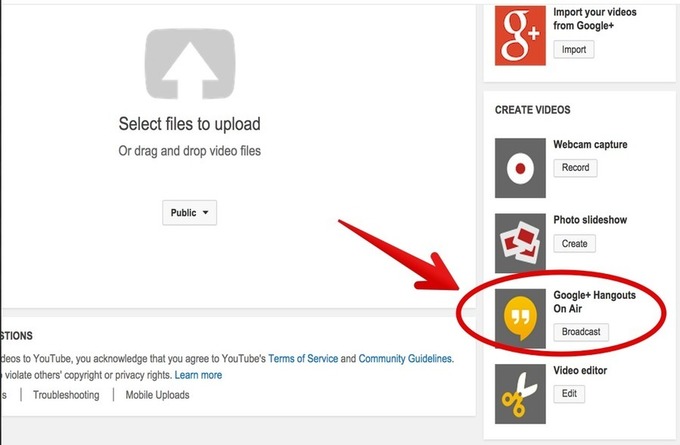
6 Great Tools to Share Your Computer Screen with Others

There are different reasons why you want to share your computer screen with others. For instance you want to walk students through the process of using a certain web tool or installing an app, sharing your computer screen with them will allow them to see what you are doing right in your computer. This is also a good way to either give tech help or receive it from others.See it on Scoop.it, via TIC &amp

Continuar leyendo: 6 Great Tools to Share Your Computer Screen with Others

Fuente: Tic&Educación

Become a Google+ Power User with These 15 Tricks, Features, and Tools

The hidden and little-known tricks, features, and tools that will make you a power user of Google+.See it on Scoop.it, via TIC & Educación

Continuar leyendo: Become a Google+ Power User with These 15 Tricks, Features, and Tools

Fuente: Tic&Educación
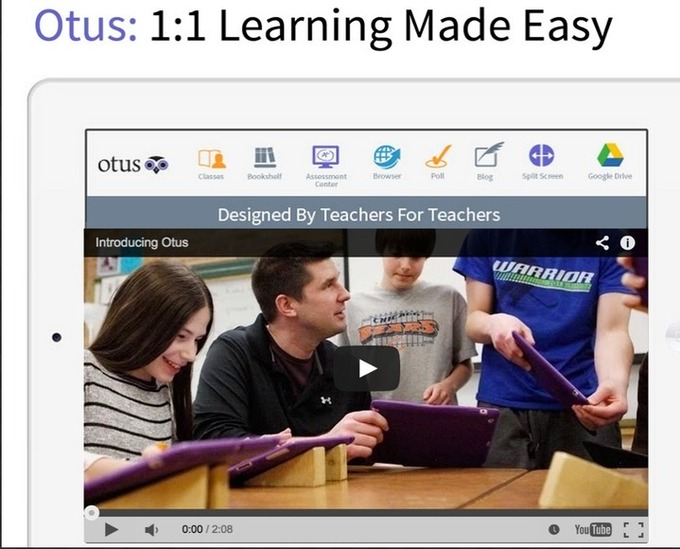
9 Excellent New Educational Web Tools for Teachers

It’s been awhile since I last updated you on the new educational web tools that have been recently launched. Things have been pretty hectic here particularly that I am a full time PhD student now and it gets increasingly hard for me to find a balance between blogging here and my studies but I am doing my best to keep up with everything.See it on Scoop.it, via TIC & Educación

Continuar leyendo: 9 Excellent New Educational Web Tools for Teachers

Fuente: Tic&Educación

The Top 5 Blended And Flipped Classroom Tools

Blended and Flipped Classrooms can give students more control over their learning path. Added to that, the teachers get more insight into the learning of the class and can intervene as required. Technology plays an important role in blending the classrooms. User-friendly technology ensures that the student has more control over the time, place and pace of the curriculum. It also ensures that the teacher has the necessary visibility and tools to intervene effectively.See …

Continuar leyendo: The Top 5 Blended And Flipped Classroom Tools

Fuente: Tic&Educación

Top 100 Tools for Learning 2014

The Top 100 Tools for Learning was compiled by Jane Hart from the votes of 1,038 learning professionals from 61 countries worldwide – in both education and workplace learning.See it on Scoop.it, via TIC & Educación

Continuar leyendo: Top 100 Tools for Learning 2014

Fuente: Tic&Educación

5 Tools for Helping Students Find Creative Commons Images

To help navigate the often confusing space that is digital copyright, here are five tools that we recommend to help students find Creative Commons images.Gumersindo Fernández’s insight:1. Photo Pin2. Iconfinder3. Pixabay4. Flickr (Creative Commons)5. FreepikSee it on Scoop.it, via TIC & Educación

Continuar leyendo: 5 Tools for Helping Students Find Creative Commons Images

Fuente: Tic&Educación

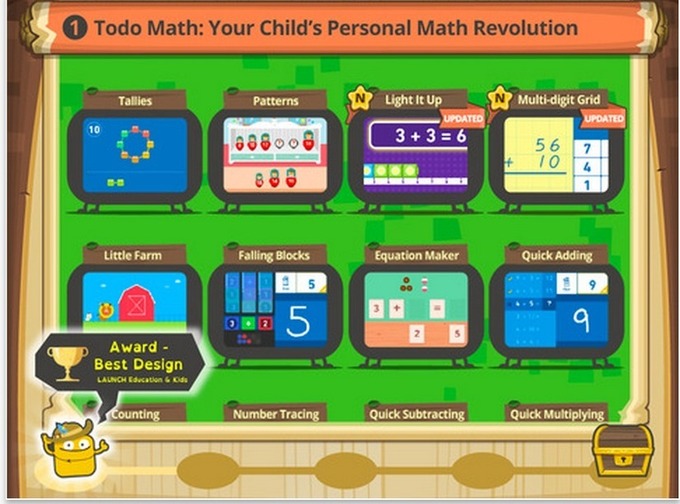
Tools to Help You Integrate Gamification in Your Students Learning

Teaching to early learners means teaching fundamentals in a supportive and engaging way. It is no surprise that many learning tools for young students include some element of gamification. Here are a few that teachers recommend.See it on Scoop.it, via TIC & Educación

Continuar leyendo: Tools to Help You Integrate Gamification in Your Students Learning

Fuente: Tic&Educación

How To Use Twitter As A Learning Tool

First it’s important to mention Twitter is easy to incorporate as a learning tool. In fact the hardest part was going through and getting faculty approval. Actually incorporating it into the course design as one of the learning tools was easy, low effort, no cost, and intuitive (Using Twitter As A Learning Tool – Part 1).See it on Scoop.it, via TIC & Educación

Continuar leyendo: How To Use Twitter As A Learning Tool

Fuente: Tic&Educación

Tools for Teachers to Create and Manage Interactive Maps

Using these map creation tools you can easily create and manage interactive maps.See it on Scoop.it, via TIC & Educación

Continuar leyendo: Tools for Teachers to Create and Manage Interactive Maps

Fuente: Tic&Educación

3 Excellent Free Tools to Communicate with Students Parents

Maintaining a steady and seamless channel of communication with students parents is just as important as the teaching and learning that takes place in class. Through engaging parents in their students school life, they will be able to stay updated about their kids learning, their needs and scholarly achievements. This will also give students an extra dose of motivation to work hard to please their parents.Gumersindo Fernández’s insight:1- ClassDojo2- Remind 3- SchoolCircleSee it on Scoop.it, via TIC & Educación

Continuar leyendo: 3 Excellent Free Tools to Communicate with Students Parents

Fuente: Tic&Educación

Top 10 Free Camtasia Studio Alternatives

In this article, I’ll highlight the top 10 free Camtasia Studio alternatives that can help you to develop informative instructional videos and demonstrations for your next eLearning deliverable. I’ll also walk you through how to use each one of them, so that you can begin taking advantage of these free screencast tools right away.See it on Scoop.it, via TIC & Educación

Continuar leyendo: Top 10 Free Camtasia Studio Alternatives

Fuente: Tic&Educación

ThingLink & Google Docs Integration is Here!

Great news! Great news! ThingLink now supports a rich-media tag to embed a Google Doc right on an interactive graphic. Now it’s easier than ever to transform teaching and learning with just two tools, ThingLink EDU and Google Docs! See it on Scoop.it, via TIC & Educación

Continuar leyendo: ThingLink & Google Docs Integration is Here!

Fuente: Tic&Educación

321 Free Tools for Teachers

Would you be interested in the ultimate list of free tools for teachers? At the following post you will found 321 Free Tools for Teachers separated in 18 educational technology categories. Enjoy! F…See it on Scoop.it, via TIC & Educación

Continuar leyendo: 321 Free Tools for Teachers

Fuente: Tic&Educación

4 Tools to Help You Go Paperless This Year

Your teaching practice doesn’t have to generate stacks of paper. Evernote, Noteshelf, Doxie, and Google Drive can help you save frustration and trees.See it on Scoop.it, via TIC & Educación

Continuar leyendo: 4 Tools to Help You Go Paperless This Year

Fuente: Tic&Educación