Artículos con la etiqueta ‘note’

3 Ways to Use ThingLink for Video in the Classroom

Recently ThingLink introduced ThingLink for Video, an exciting new editor for annotating video content with rich media. The new editor allows users to add notes and links to existing video content, and turn video into an interactive digital discovery platform.See it on Scoop.it, via TIC & Educación

Continuar leyendo: 3 Ways to Use ThingLink for Video in the Classroom

Fuente: Tic&Educación

Evernote 101: How to Share Notes Using Evernote

I know, I just blogged about Evernote after ISTE, but it was a short post and there was so much more that I wanted to know! My UltiMaTe BiG QueSTioN: How do I use Evernote with students and teachers at school? My answer…”I don’t know…yet.”, but I am embarking on a journey to figure it out. So, here I go…my first entry on using Evernote.See it on Scoop.it, via TIC & Educación

Continuar leyendo: Evernote 101: How to Share Notes Using Evernote

Fuente: Tic&Educación
35 Awesome IFTTT Recipes To Archive Your Social Media Data

If you’re an avid social media user, it’s always smart to have a backup of your data. Archiving your data is great in cases where a site shuts down, or your account is compromised or you want to close down your accounts. Having an ongoing archive however will fast become a really good idea, especially when something bad happens to your online accounts, and you can’t be sure if you can still retrieve the…

Continuar leyendo: 35 Awesome IFTTT Recipes To Archive Your Social Media Data

Fuente: Tic&Educación

10 Word Cloud Generators You Have Probably Never Tried

A few days back, we looked at five great ways to incorporate word cloud generators into your classroom. There are obviously many more uses out there for them – but that is a discussion for another post. We’ve mentioned most of these before – in a post from way back when – so I won’t go into too much detail about each individual one, but we’ve added a few notable ones to the list. (Of note…

Continuar leyendo: 10 Word Cloud Generators You Have Probably Never Tried

Fuente: Tic&Educación

32 Ways to Use Google Apps in Your Classroom

Looking for some ways and tips to integrate Google Apps in your school or classroom? Julia Stiglitz has this wonderful presentation to help you out. Julia provides several examples and links on how to use each of Google products in your class with students. I have gone through this presentation a few times and pulled these notes for you.See it on Scoop.it, via TIC & Educación

Continuar leyendo: 32 Ways to Use Google Apps in Your Classroom

Fuente: Tic&Educación

Los mejores convertibles para el aula

¿Portátil o tableta? En muchas ocasiones, no es necesario elegir entre los dos, ya que se puede disfrutar de las características de ambos en dispositivos como los convertibles. Y es que estos ordenadores cuentan con una pantalla táctil y un teclado desmontable que consiguen un diseño más versátil que se adapta tanto a los usos multimedia como a tareas que requieren más recursos y una mayor productividad. Microsoft Surface Pro 3 Con un tamaño de 12 pulgadas y formato 3:2, …

Continuar leyendo: Los mejores convertibles para el aula

Fuente: Educaciontrespuntocero.com

Proyectos Creativos Compartidos online con Realtime Board

Quizás se nos note mucho en Princippia que cada vez somos más forofos de Google y en concreto de Google Drive. Peroes que no es para menos; mejoran las aplicaciones permanentemente y aparecen continuamente nuevas, que no dejan de sorprendernos.See it on Scoop.it, via TIC & Educación

Continuar leyendo: Proyectos Creativos Compartidos online con Realtime Board

Fuente: Tic&Educación
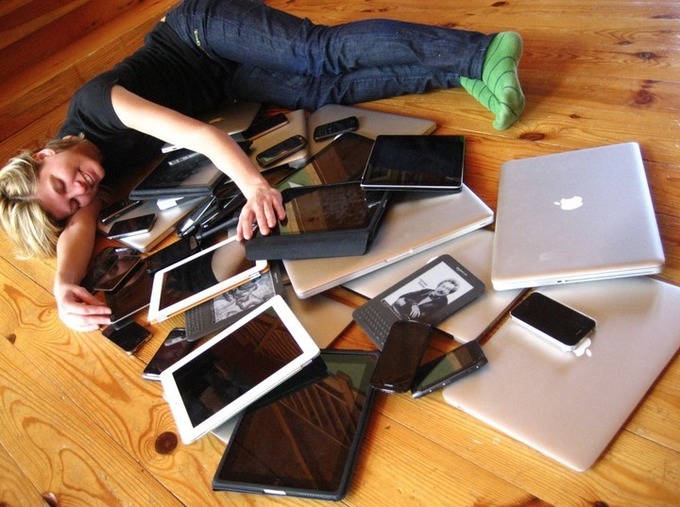
Are Your Students Distracted by Screens? Here’s A Powerful Antidote

I was fortunate to teach in a 1:1 laptop classroom for seven years. In my classes, students took daily notes on computers, did research, wrote essays, created various multimedia publications, and worked on collaborative projects. Yet I knew that if I wasn’t watching their screens, my students would at some point be doing something they …See it on Scoop.it, via Educacion, ecologia y TIC

Continuar leyendo: Are Your Students Distracted by Screens? Here’s A Powerful Antidote

Fuente: Educación y Ecología

¿Ya probaste el nuevo modo de presentación de Evernote? ¡es genial!

El nuevo modo presentación de Evernote es lo que hacía falta a todos los usuarios para llevar su trabajo listo para mostrar en reuniones. Adiós Power Point.See it on Scoop.it, via TIC & Educación

Continuar leyendo: ¿Ya probaste el nuevo modo de presentación de Evernote? ¡es genial!

Fuente: Tic&Educación

5 Powerful Tools For Classroom Document Sharing

Having a digital classroom means a few different things: 1. You have less stacks of paper 2. It is (generally) easier to keep track of student work 3. “The dog ate my homework” isn’t a viable excuse anymore 4. Note taking needs to take a new form 5. You need another method of sharing work …See it on Scoop.it, via TIC & Educación

Continuar leyendo: 5 Powerful Tools For Classroom Document Sharing

Fuente: Tic&Educación

projeqt – Herramienta que permite insertar contenido en las redes sociales

With Projeqt, your presentations never remain static. Pull in live tweets or blog feeds, insert an interactive map, add audio notes or stream videos. Let your presentations be as dynamic as you are.See it on Scoop.it, via Educacion, ecologia y TIC

Continuar leyendo: projeqt – Herramienta que permite insertar contenido en las redes sociales

Fuente: Educación y Ecología

Symphonical – Herramienta para gestionar tareas

The quickest way to get things done! Symphonical is an easy and fun app made of whiteboards and sticky notes.See it on Scoop.it, via Educacion, ecologia y TIC

Continuar leyendo: Symphonical – Herramienta para gestionar tareas

Fuente: Educación y Ecología

WorkFlowy – Gestión del trabajo

WorkFlowy is an organizational tool that makes life easier. It’s a surprisingly powerful way to take notes, make lists, collaborate, brainstorm, plan and generally organize your brain.See it on Scoop.it, via Educacion, ecologia y TIC

Continuar leyendo: WorkFlowy – Gestión del trabajo

Fuente: Educación y Ecología

17 Herramientas para Presentaciones

Herramientas para Presentaciones: Slideshare Cargar ficheros powerpoint para compartir con los demás. Soporta ppt, pps * pot (PowerPoint), pdf, odp (OpenOffice); Keynote los usuarios pueden …See it on Scoop.it, via Educacion, ecologia y TIC

Continuar leyendo: 17 Herramientas para Presentaciones

Fuente: Educación y Ecología

10 geniales formas de usar Evernote que tal vez no habías pensado

Te presentamos 10 formas de usar Evernote increíblemente geniales que tal vez no se te habían ocurrido y que pueden incluso cambiar tu vida.See it on Scoop.it, via TIC & Educación

Continuar leyendo: 10 geniales formas de usar Evernote que tal vez no habías pensado

Fuente: Tic&Educación

Creative Commons V4.0 for Education (new)

In 2013, we launched version 4.0 of the CC license suite and it is ready for anyone to use now to apply to their educational resources or other creative works. But what does that mean? What’s new in 4.0 that wasn’t there in 3.0? And just as importantly, what has stayed the same so that you don’t have to worry about changes to licenses you weren’t expecting? Lastly, I’ll go over some examples of organizations and institutions who …

Continuar leyendo: Creative Commons V4.0 for Education (new)

Fuente: Tic&Educación

Aplicaciones de mensajería de moda entre los adolescentes.

Las aplicaciones de mensajería para smartphones han encontrado en el público adolescente, un filón de oro. Más allá de Whatsapp y del messenger de Facebook, se han creado nuevas aplicaciones con elementos que, a la vez que les aportan un toque diferenciador, abren una puerta peligrosa. Hoy hablaremos de dos de ellas Snapchat: Es una aplicación que permite a los usuarios poner un tiempo límite a las fotos y vídeos que comparten antes de que desaparezcan. El hecho…

Continuar leyendo: Aplicaciones de mensajería de moda entre los adolescentes.

Fuente: Taconline.net

Cómo hacer la pelota a un profesor sin que se note

La lista de 12 consejos que te voy a dar no es una lista mágica que te servirá a hacer la pelota a todos los profesores. Lo que te voy a explicar parte de un principio muy simple, tus profesores son personas y aunque intentarán ser justos con todos los alumnos también pesarán en sus decisiones aspectos emocionales. Vamos, que si “les caes bien”, siempre te ayudará algo en la evaluación, …

Continuar leyendo: Cómo hacer la pelota a un profesor sin que se note

Fuente: Tic&Educación
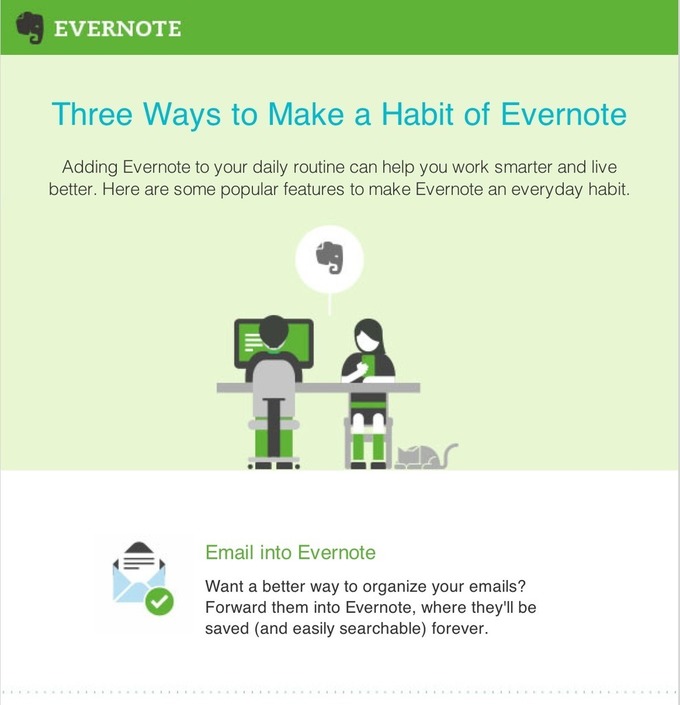
Three Good Ways to Be Productive With Evernote

Evernote is an easy-to-use, free app that helps you remember everything across all of the devices you use. Stay organized, save your ideas and improve your productivity. Evernote lets you take notes, capture photos, create to-do lists, record voice reminders–and makes these notes searchable, whether are at home, at work, or on the go. See it on Scoop.it, via TIC & Educación

Continuar leyendo: Three Good Ways to Be Productive With Evernote

Fuente: Tic&Educación

EVERNOTE: La aplicación ideal para que sea tu asistente personal en esta SEMANA SANTA

Evernote es una aplicación que te permite recordar entre las cosas más simples hasta las cosas más importantes de tu vida cotidiana utilizando tu computador personal, tu computador portátil, tu Tablet, o tu teléfono móvil. Ideal para registrar en esta Semana Santa los documentos de viaje escaneados como mapas y guías para acceder a ellas cuando lo necesites.See it on Scoop.it, via TIC & Educación

Continuar leyendo: EVERNOTE: La aplicación ideal para que sea tu asistente personal en esta SEMANA SANTA

Fuente: Tic&Educación