Artículos con la etiqueta ‘power’

Graba tus presentaciones con PresentationTube

Con PresentationTube tendrás la posibilidad de narrar tus presentaciones de PowerPoint añadiendo notas y ayudas visuales para enriquecer su explicación.See it on Scoop.it, via TIC & Educación

Continuar leyendo: Graba tus presentaciones con PresentationTube

Fuente: Tic&Educación

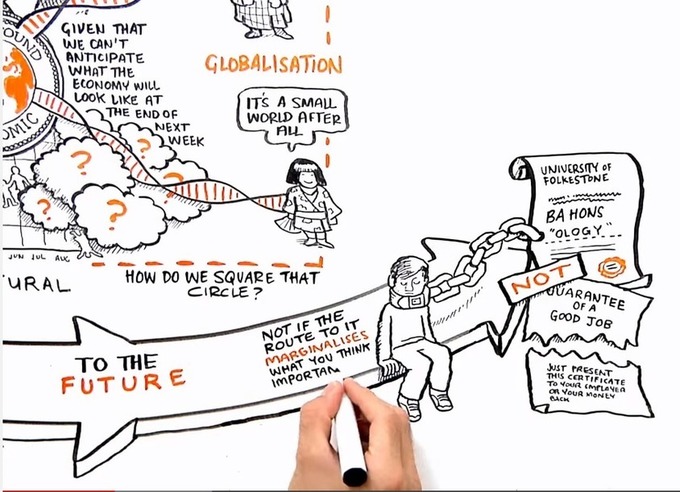
3 Powerful Web Tools to Create Whiteboard Animation Videos for Your Class

Whiteboard animation videos are videos that draw themselves. They involve an animated use of images, shapes, characters, sounds and voice-overs to create a clip. This form of video production has been very popular recently and is widely used by some leading educational YouTube channels such as TED Ed and RSA Animate. Creating a whiteboard animation video is no longer a graphic designer’s job.Gumersindo Fernández’s insight:1- GoAnimate2- Video Scribe3- PowToonSee it on Scoop.it, via

Continuar leyendo: 3 Powerful Web Tools to Create Whiteboard Animation Videos for Your Class

Fuente: Tic&Educación
Cómo crear imágenes transparentes con GIMP

En este video vamos a tomar una imagen PNG que no es transparente y la vamos a convertir en transparente. Esto es útil para hacer presentaciones Power Point u OpenOffice Impress, también sirve para poner imágenes en webs, o para trabajar con imágenes que tienen varias capas, en GIMP o en Photoshop, etc.See it on Scoop.it, via TIC & Educación

Continuar leyendo: Cómo crear imágenes transparentes con GIMP

Fuente: Tic&Educación

Top 10 Tips to Use Mind Mapping Tools in eLearning

In this article, I’ll highlight the top 10 tips on how to make the most out of mind mapping tools. I’ll share how mind maps have the potential to transform any eLearning course or module into an aesthetically pleasing and powerful eLearning experience.See it on Scoop.it, via TIC & Educación

Continuar leyendo: Top 10 Tips to Use Mind Mapping Tools in eLearning

Fuente: Tic&Educación

Become a Google+ Power User with These 15 Tricks, Features, and Tools

The hidden and little-known tricks, features, and tools that will make you a power user of Google+.See it on Scoop.it, via TIC & Educación

Continuar leyendo: Become a Google+ Power User with These 15 Tricks, Features, and Tools

Fuente: Tic&Educación
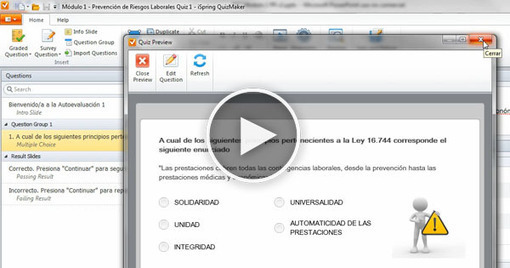
Insertar una autoevaluación en PowerPoint

Este video muestra como convertir y rediseñar un PowerPoint para convertirlo en un contenido mutimedia interactivoSee it on Scoop.it, via TIC & Educación

Continuar leyendo: Insertar una autoevaluación en PowerPoint

Fuente: Tic&Educación

5 Fresh PowerPoint Alternatives

PowerPoint. Everyone’s used it, everyone’s heard of it, and a lot of people are pretty tired of it. Have you found yourself seeking an exciting new angle to approach your presentations from? If so, try these five fresh PowerPoint alternatives on for size.Before you decide which method to present with, though, ask yourself what purposes your presentation materials have. Critically thinking about how your materials are going to support you will help your presentation be more …

Continuar leyendo: 5 Fresh PowerPoint Alternatives

Fuente: Tic&Educación

What To Include In A PowerPoint Presentation

Over doing the PowerPoint Presentation is perhaps a favorite amongst a lot of speakers and that makes the first biggest mistake that the presenter can make! There are people who have way too many slides and some who have long never ending sentences that make the audience battle between whether to read or to listen to what the speaker is saying, more often than not it is the former.See it on Scoop.it, via TIC

Continuar leyendo: What To Include In A PowerPoint Presentation

Fuente: Tic&Educación

Curate a Collection of Interactive Images

To demonstrate the power of a new ThingLink feature known as Add to Channel, I used this blog for a bit of crowdsourcing yesterday. I asked readers to submit links to images about outer space through a simple Google Form. Then I demonstrated how to use the form to instantly capture and curate the interactive images into a Space Channel! See it on Scoop.it, via TIC & Educación

Continuar leyendo: Curate a Collection of Interactive Images

Fuente: Tic&Educación
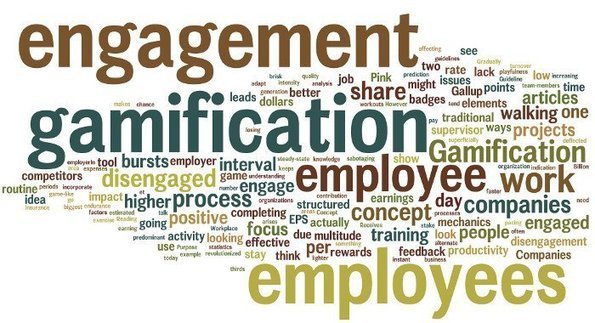
6 Steps To Get Started With Gamification

Getting started with gamification is easier than you think. A playful attitude and curiosity prepare you for understanding the power of gamification.See it on Scoop.it, via TIC & Educación

Continuar leyendo: 6 Steps To Get Started With Gamification

Fuente: Tic&Educación

Using ThingLink for Powerful Professional Development

My toolkit is filled with interactive graphics I’ve created and packed with resources. I use these to successfully jump start the learning of busy educators in places near and far. I frequently update and adapt the resources in my toolkit. They grow with me.See it on Scoop.it, via TIC & Educación

Continuar leyendo: Using ThingLink for Powerful Professional Development

Fuente: Tic&Educación
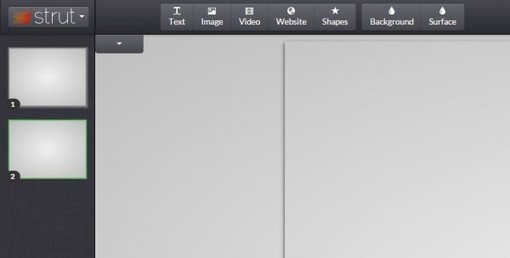
strut, una nueva forma de hacer presentaciones en la web

Ya henos tratado el tema de alternativas online a Powerpoint en varias ocasiones (6 de las mejores alternativas online gratuitas a PowerPoint y Otras 4See it on Scoop.it, via Recull diari

Continuar leyendo: strut, una nueva forma de hacer presentaciones en la web

Fuente: Recull Diari
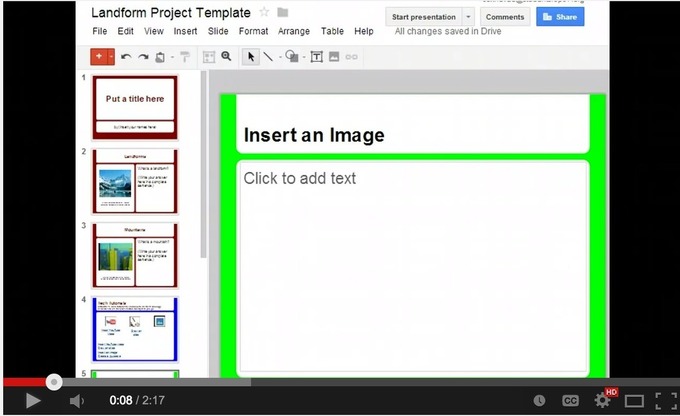
3 Things Every Student Should Be Able to Do On Google Presentation

Google Presentation is one of the powerful presentation tools that students can use to easily create and share slideshows. Its simplicity and its practical performance features makes it an ideal tool for using in class. Besides the different guides and tutorials I published on Google Presentation, today I decided to sketch out 3 main things every student should be able to do.See it on Scoop.it, via TIC & Educación

Continuar leyendo: 3 Things Every Student Should Be Able to Do On Google Presentation

Fuente: Tic&Educación
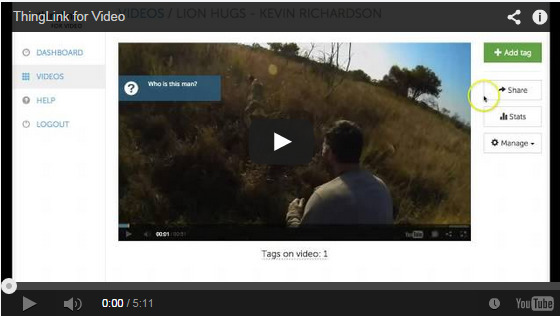
4 Ways to Transform Student Projects with ThingLink for Video

Clearly, ThingLink is becoming a popular interactive visual image editor for educators across the world. So it is truly no surprise that ThingLink for Video can be just as powerful for transforming classroom instruction and augmenting videos. See it on Scoop.it, via TIC & Educación

Continuar leyendo: 4 Ways to Transform Student Projects with ThingLink for Video

Fuente: Tic&Educación

Para los primeros días de clase. Dinámicas, actividades, tutorías, etc Infantil, Primaria, Secundaria, NEE y Compensatoria 2014-2015

Las vacaciones van llegando a su fin y es el momento de iniciar el curso con nuevas energías y sobre todo con nuevas ideas. Desde Orientación Andújar ya llevamos unos días trabajando y preparando materiales para que el comienzo de curso sea más llevadero, por este motivo, hemos preparado un colección de ideas para trabajar en el aula de Educación Infantil, Primaria y Secundaria para que la vuelta al ‘cole’ sea divertida para nosotros y sobre …

Continuar leyendo: Para los primeros días de clase. Dinámicas, actividades, tutorías, etc Infantil, Primaria, Secundaria, NEE y Compensatoria 2014-2015

Fuente: orientacionandujar.es

Herramienta online para convertir tus imágenes y archivos word, excel y ppt a PDF

Muchas veces tenemos una cierta cantidad de imágenes y las quisiéramos tener en un solo archivo, o también sí tenemos documentos de word, excel y diapositivas de power point sería conveniente poderlas tener en un archivo pdf. El paquete microsoft office nos ofrece algunos complementos para realizar estas tareas, pero sí queremos quizás algo más sencillo sin necesidad de instalar complementos adicionales, contamos con http://smallpdf.com/See it on …

Continuar leyendo: Herramienta online para convertir tus imágenes y archivos word, excel y ppt a PDF

Fuente: Tic&Educación

¿Eres profesor TIC o profesor TAC?

Hemos adjuntado un archivo en PDF y varias presentaciones en powerpoint que analizan el uso de las TIC y TAC en la educación. Hasta ahora, cuando hablábamos de la competencia informática o digital, nos referíamos a tecnologías de la información y comunicación (TIC), y todo el interés, se centraba en dotar a los estudiantes y a los profesores de formación para dominar estas tecnologías. Mucha tecnología, pero…

Continuar leyendo: ¿Eres profesor TIC o profesor TAC?

Fuente: Tic&Educación

Google Slides Vs PowerPoint Online: The Cloud Presentation Battle

What started as Google Docs has over the passage of time evolved into a more robust office suite and is even giving Microsoft a run for its money. The reason is the option to create, view and edit documents in famous Office formats, as well as cloud based integration. The fact is that Microsoft took a while to realize the potential threat that Google posed towards its Microsoft Office suite. It took a long time for Microsoft to release…

Continuar leyendo: Google Slides Vs PowerPoint Online: The Cloud Presentation Battle

Fuente: Tic&Educación

11 Great Apps to Enhance Your Evernote

Evernote is a powerful note taking web tool and mobile app. It is definitely an elemental component of teachers workflow. I have been using it for a few years now and I just can’t live without it now.Evernote enables you to take notes in both text and audio format. Your notes can also include images,videos and even files. Evernote is available across different devices so that everything you do with Evernote on your computer can…

Continuar leyendo: 11 Great Apps to Enhance Your Evernote

Fuente: Tic&Educación

10 Things Every Teacher Should Know How To Do With Google Docs

Google Docs is a powerful word processing tool that many schools have adopted. As it’s similar to Microsoft Word and other word processing tools, most of its features are intuitive to use. However, in addition to completing many of the functions of a traditional word processor, Google Docs provides even more capabilities that can be invaluable to educators. Here are ten tricks that can make your life easier with Google Docs.See it on Scoop.it, via TIC &amp…

Continuar leyendo: 10 Things Every Teacher Should Know How To Do With Google Docs

Fuente: Tic&Educación