Artículos con la etiqueta ‘presentations’

Add Voice Over to PowerPoint Presentations in 5 Easy Steps

Here is a step-by-step guide to adding voice over to PowerPoint slides (these steps and the video are based on PowerPoint 2007):See it on Scoop.it, via TIC & Educación

Continuar leyendo: Add Voice Over to PowerPoint Presentations in 5 Easy Steps

Fuente: Tic&Educación

A Simple Visual Guide to Using Google Drive Offline

If you are a heavy Google Drive user like me you would probably love the offline service it provides. This is a feature that, when enabled, allow you to access , create and edit your Google docs and presentations offline. This is particularly useful when you want to access or edit a document in a place where there is no Internet. I have already shared a visual guide on how to activate the offline feature on Google Drive …

Continuar leyendo: A Simple Visual Guide to Using Google Drive Offline

Fuente: Tic&Educación
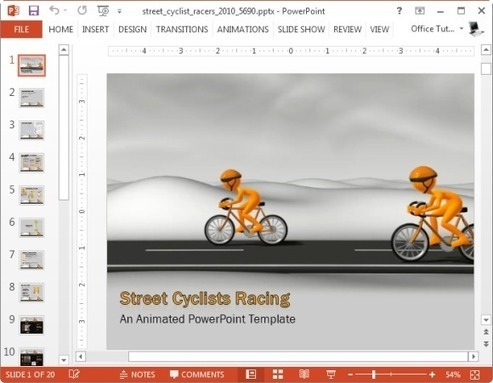
How To Add Moving Animations To Presentations

In this post we will explore a few interesting methods to add moving animations to presentations.See it on Scoop.it, via TIC & Educación

Continuar leyendo: How To Add Moving Animations To Presentations

Fuente: Tic&Educación

Kaizena Adds Tags to Voice Comments for Google Documents

Kaizena is a great add-on for Google Documents and Google Presentations. Kaizena allows you to add voice comments to Google Documents and Presentations that are shared with you. Earlier this month a notification feature was added to Kaizena. Today, Kaizena added a feedback tagging option.See it on Scoop.it, via TIC & Educación

Continuar leyendo: Kaizena Adds Tags to Voice Comments for Google Documents

Fuente: Tic&Educación

El portfolio de #Informática4ESO. Revisando lo aprendido

Todos los años suelo pedir a mis alumnos/as de informática de 4º que a lo largo del año vayan tomando nota de sus trabajos e impresiones, y que sean capaces de pensar básicamente en quiénes son, qué quieren, cómo han aprendido, evaluando sus procesos. Este año también hemos incorporado el PLE (Personal Learning Environment) a la tarea. Les aporto esta presentación para dar pistas.See it on Scoop.it, via …

Continuar leyendo: El portfolio de #Informática4ESO. Revisando lo aprendido

Fuente: Tic&Educación
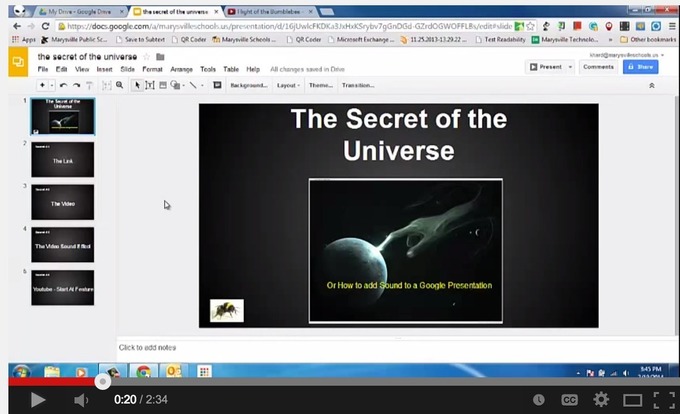
6 Video Tutorials to Help Teachers Use Google Presentation in Class

Planning to use Google Presentations with your students this year? The video tutorials below are definitely worth checking. There are a plethora of reasons why you would need to start using this presentation software. First, Google Presentation is web based and therefore does not require any software installation.See it on Scoop.it, via TIC & Educación

Continuar leyendo: 6 Video Tutorials to Help Teachers Use Google Presentation in Class

Fuente: Tic&Educación

This is How to Grade Students Work on Google Drive

Goobric is an interesting Chrome extension that allows teachers to easily grade students work by using rubrics. Goobric helps you grade any work that is created and delivered through one of Google Drive’s services ( documents, Presentations, Spreadsheets, Folders, etc). Up to now, Goobric supports only works created via the Doctopus Scriptwhich is a “a tool for differentiating, grouping, distributing and managing student projects in google Drive. Doctopus is available from any Google Spreadsheet from the…

Continuar leyendo: This is How to Grade Students Work on Google Drive

Fuente: Tic&Educación
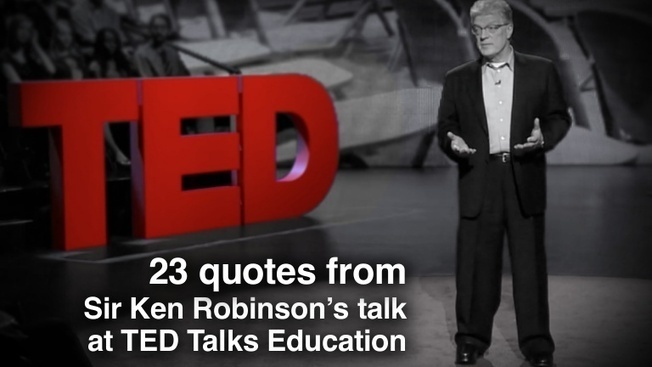
Quotes from Sir Ken Robinson’s 2013 TED talk

Ken Robinson’s talk “How to escape education’s death valley” is one of my favorites. It was recorded in April of 2013. I highly recommend that you watch his latest talk on TED.com. The quotes I assembled for the talk are the one’s most salient to me personally. This is not an attempt to summarize his talk in anyway, but perhaps a quote or two will be useful for you in your own presentations related to…

Continuar leyendo: Quotes from Sir Ken Robinson’s 2013 TED talk

Fuente: Tic&Educación
New- Receive Notifications for Audio Comments on Google Docs and Presentations

Kaizena is one of the best tools that you can use to add audio comments to students work on both Google Documentsand Google Presentations. To use Kaizena , you need to be logged in to your Google account and just like any other third party application, to integrate Kaizena into your Google Docs you will have to grant it access to your Drive. Here is a good video Richard shared on his post, watch it to learn …

Continuar leyendo: New- Receive Notifications for Audio Comments on Google Docs and Presentations

Fuente: Tic&Educación

Kaizena Adds Built-in Notifications for Voice Comments on Google Docs and Presentations

Kaizena is a fantastic tool for adding voice comments to Google Documents and Google Presentations. The latest update to Kaizena streamlines feedback notifications.See it on Scoop.it, via TIC & Educación

Continuar leyendo: Kaizena Adds Built-in Notifications for Voice Comments on Google Docs and Presentations

Fuente: Tic&Educación
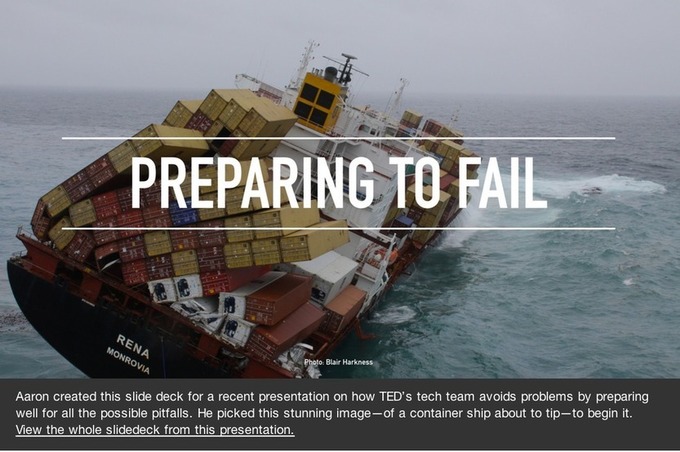
10 Tips to Design Effective Presentations

Creating effective slide decks that can engage the audience and pull them right in is a task that requires some serious training. This training comes in the form of practice in the key elements that make a better presentation. These elements are: the choice of images used in the slides, the amount of text used with these images, the font and type size of the text, the placement and arrangement of text vis-a-vis the images…

Continuar leyendo: 10 Tips to Design Effective Presentations

Fuente: Tic&Educación
24 alternativas a Powerpoint en 2014

At CustomShow, we’d like to think that everyone can use our software to create better looking presentations. But that won’t always be the case. We cater to businesses greater than 25 employees and organizations that need an all-in-one presentation program. We also don’t fully believe in promoting some of our competitors. Shout out to Clearslide on that one. But at the end of the day, we want you to have a pick…

Continuar leyendo: 24 alternativas a Powerpoint en 2014

Fuente: Tic&Educación

Kaizena Adds Support for Giving Audio Feedback on Google Presentations

This is news that I have been waiting to announce for days! Kaizena now supports adding audio feedback on Google Presentations. Kaizena is a tool that integrates with your Google Drive account. With Kaizena authorized to access your Google Drive account you can highlight portions of your students’ work and add voice or text comments to it. Until today you could only leave voice comments on Google Documents, now you can leave voice comments on Google Presentations too.See…

Continuar leyendo: Kaizena Adds Support for Giving Audio Feedback on Google Presentations

Fuente: Tic&Educación
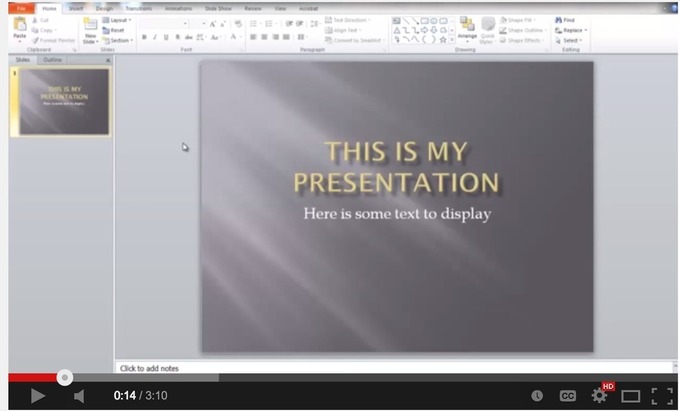
Visme – Crea infografías

Easily Create online Presentations, animations, animated HTML5 banners, infographics and other rich visual content free in your browser. Visme is the perfectSee it on Scoop.it, via Educacion, ecologia y TIC

Continuar leyendo: Visme – Crea infografías

Fuente: Educación y Ecología

Slidus – Herramienta para hacer presentaciones

Slid.us is a software based on html5 presentations or slides, where you can create your presentations and share them with others, that is why also makes social networking feature.See it on Scoop.it, via Educacion, ecologia y TIC

Continuar leyendo: Slidus – Herramienta para hacer presentaciones

Fuente: Educación y Ecología
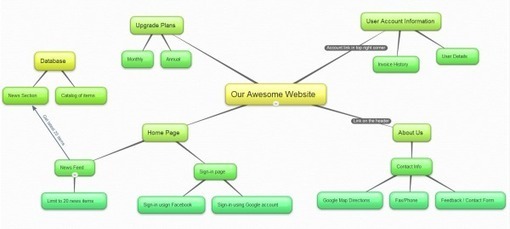
bubbl.us – Herramienta para hacer mapas conceptuales

Brainstorm online with bubbl.us. Easily create colorful mind maps to print or share with others. Almost no learning curve. Businesses, universities, and other schools are using bubbl.us worldwide to generate ideas, map out processes and create presentations.See it on Scoop.it, via Educacion, ecologia y TIC

Continuar leyendo: bubbl.us – Herramienta para hacer mapas conceptuales

Fuente: Educación y Ecología
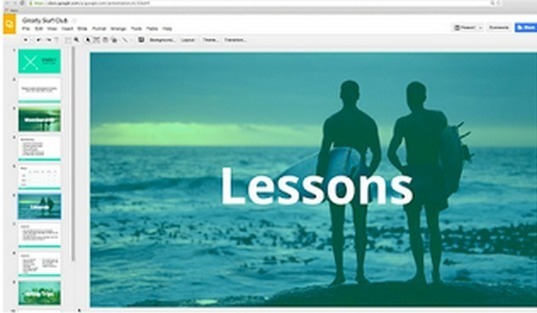
4 Web Tools to Create Presentations without Installing Any Software

There are a slew of useful web tools that teachers and students can use to create awesome presentations and slideshows without having to install any piece of software. I am sharing with you below my four favourite tools that I have been recommending to teachers and students.See it on Scoop.it, via TIC & Educación

Continuar leyendo: 4 Web Tools to Create Presentations without Installing Any Software

Fuente: Tic&Educación

The Presentation Planning Checklist – Free eBook

The planning stage of your presentation is crucial but too often presenters don’t know where to start and don’t follow a clear process. This planning checkli…See it on Scoop.it, via Educacion, ecologia y TIC

Continuar leyendo: The Presentation Planning Checklist – Free eBook

Fuente: Educación y Ecología