
10 mejoras que necesitaría el Entorno Virtual de Aprendizaje de mi centro
En mi centro, al igual que supongo ocurre en otros muchos centros educativos en España, utilizamos un Entorno Virtual de Aprendizaje (EVA) para poder trabajar con nuestros alumnos con contenidos digitales. Tras la experiencia acumulada durante los últimos dos años, he aquí algunas mejoras que creo que serían necesarias para poder mejorar estos sistemas de enseñanza y así poder utilizarlos con nuestros alumnos. 1. La evaluación. Los profesores no podemos evaluar de la manera que nos gustaría el trabajo de …
Continuar leyendo: 10 mejoras que necesitaría el Entorno Virtual de Aprendizaje de mi centro
Fuente: smconectados.com
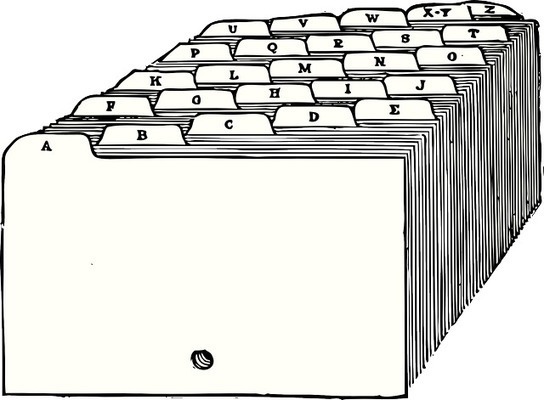 Right now we tutors email our objectives to the parents which has worked well, but for families with multiple kids, they can conceivably receive 12 emails per week! I’d like to cut down on things going into their inboxes, and I was thinking there ought to be a way we tutors can upload our weekly files to one site with folders per grade level and then the parents can go to that place and grab what they need…
 En la región de Murcia estrenarán este curso que se inicia en Septiembre una nueva materia curricular que tiene que ver con el tratamiento de la información y las TIC. Se trata de conocimiento aplicado. En esta presentación de Marina Tristán se explican los pormenores de esta nueva materia que pretende el trabajo por proyectos a través de las TIC. Aprendizaje Basado en Proyectos (ABP). from Marina Tristán
  This is a post for a friend of mine who will remain nameless who recently shared on Facebook how stressed she was when her bookmarks disappeared from Firefox. My suggestion to her was to start using Diigo orEvernote to bookmark her favorite websites and video clips. In the video below I provide directions for using Diigo in Firefox. See it on Scoop.it, via TIC & Educación
 The benefits of teaching online? Simple: Flexible hours; work from almost anywhere; greater student diversity; growth industry; more control over what you teach; global network of colleagues; personalized instruction; larger pool of students; easier and cheaper to share content; small investment to get started.See it on Scoop.it, via TIC & Educación
 Convert your SlideShare presentations into beautifully animated GIFs in one clickSee it on Scoop.it, via Recull diari
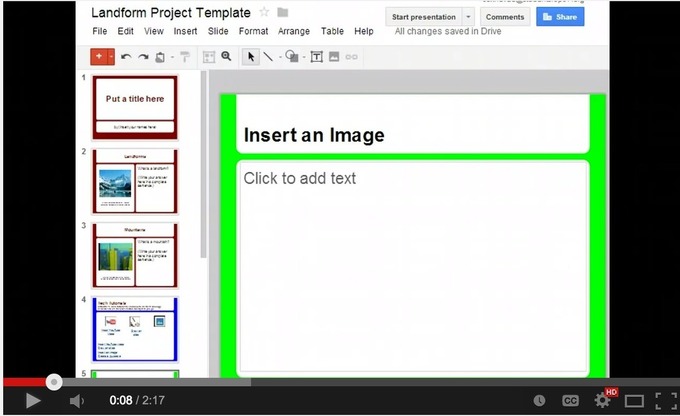 Google Presentation is one of the powerful presentation tools that students can use to easily create and share slideshows. Its simplicity and its practical performance features makes it an ideal tool for using in class. Besides the different guides and tutorials I published on Google Presentation, today I decided to sketch out 3 main things every student should be able to do.See it on Scoop.it, via TIC & Educación
 I’m no audio engineer. And odds are that neither are you. So I won’t get into all of the nitty gritty details of audio editing. If you want more details, one of the community MVPs shared some tips on how to improve your audio quality. It’s a good post and worthy reading. Today I want See it on Scoop.it, via Recull diari
 See it on Scoop.it, via TIC & Educación
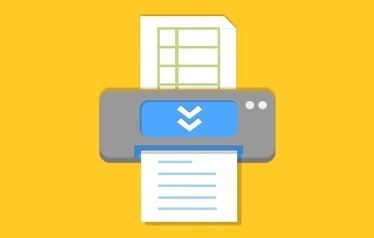 Earlier this week I shared a great Google Spreadsheet Add-on called Save As Doc. Save As Doc allows you to select a set of cells from a spreadsheet and have the information in those cells converted into an easy-to-read Google Document. I had a few people ask questions about how it worked so I made the following video demonstration of how to use Save As Doc.See it on Scoop.it, via TIC &
 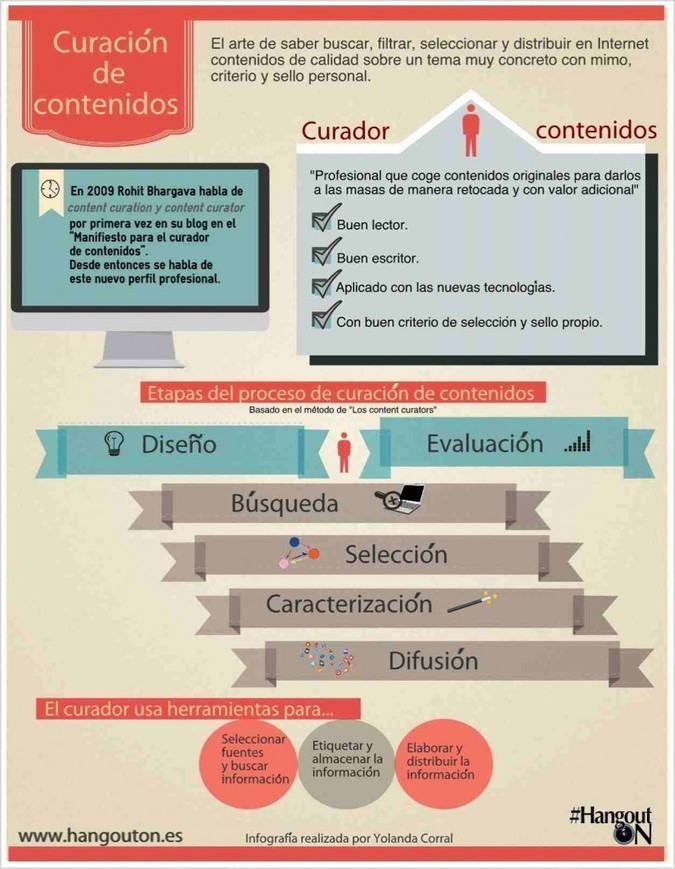 Recogemos en este post las visualizaciones (que hemos visto) basadas en el método de curación de contenidos de las 4S’s, que dimos a conocer primero en el libro El content curator y que después hemos seguido trabajando en el ebook Las 4S’s de la content curation. Estudio de caso (I) y en este blog. Recordamos que las 4S’s corresponden a las cuatro fases sucesivas del proceso de content curation: Search, Select…
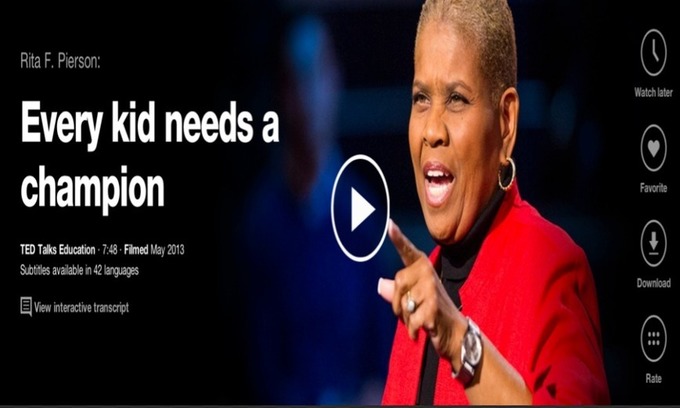 Looking for some inspiration for this new school year? Here are 8 TED talks from inspiring teachers. The first one is by Rita Pierson on the importance of believing in students and making a strong rapport with them. The next one is by Christopher Emdin in which he offers a vision to make the classroom come alive. In Hey Science Teachers.. Make It Fun, high school teacher Tyler DeWitt makes a strong case for teaching science through stories and …
 A short film about a mother trying to deal with her videogame addicted son. IF YOU ENJOYED IT, PLEASE LIKE AND SHARE
  A student FIlm made as part of our 3rd…See it on Scoop.it, via Recull diari
 Kaizena is a great add-on for Google Documents and Google Presentations. Kaizena allows you to add voice comments to Google Documents and Presentations that are shared with you. Earlier this month a notification feature was added to Kaizena. Today, Kaizena added a feedback tagging option.See it on Scoop.it, via TIC & Educación
 I have been receiving several emails from teachers from all around the world asking for back-to-school resources. So instead of responding to each one individually I make a post and share it with everybody here. I am also having a hectic life, extremely busy with my PhD studies and all the readings and research that it entails. I am saying this because I do find it hard to catch up with my mail and respond…
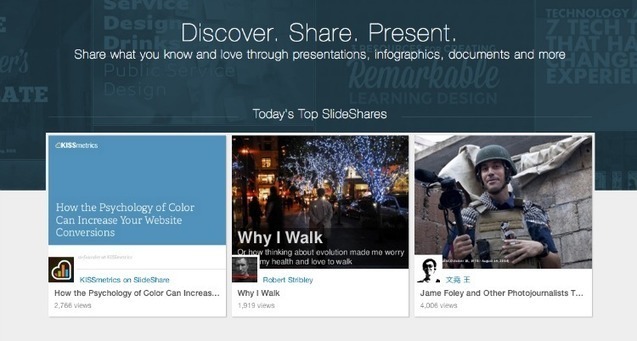 SlideShare, la plataforma de presentaciones en línea de LinkedIn, ahora compartirá documentos, infografías, entre otros archivos, sin ninguna restricción, pues la opción de cuenta Pro ya fue desactivada.See it on Scoop.it, via TIC & Educación
 This summer I spent much of my work time helping educators learn to embrace the power of ThingLink as a tool for Teaching and Learning. Along the way, I created a wealth of resources using a variety of formats to accommodate the learning needs of busy teachers. The resources created have been collected and curated into one interactive image. I believe they are valuable for personal learning needs, as well as for use during professional development …
 Google Drive has some wonderful features that enhance collaborative and group work. The video below by Andrew Boan walks you through the different collaborative features in Drive and shows you how to use each one of them. Some of the things Boan covers in this tutorial include:How to create a shared folderHow to share the folder with othersAdd a file to a shared folderUpload a file directly into the shared folderHow to create and share a…
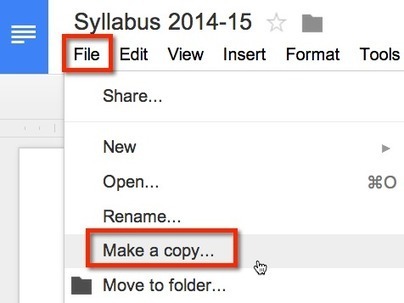 When sharing Google Docs with students one trick is to have the students make a copy. Sharing Settings In the upper right hand corner of a Google Doc is the blue share button. Click on this to chan…See it on Scoop.it, via TIC & Educación
 Google Drive is full of options that often go overlooked. One of those options is privately sharing videos. To share videos through Google Drive upload them to your Google Drive account, preview them, then share by using the sharing options at the top of the preview screen. The sharing options allow you specify who can access the video. The screenshots below outline the process. (Click the images to view them in full size).See it on Scoop.it, via …